






















































Introduction
AI Ignite includes a built-in ZIP Rollback feature that makes it easy to restore a previous version of your website if you're not happy with your latest changes.
Each time you publish your website using the AI Ignite ZIP uploader, the uploaded ZIP file is automatically saved as a restore point. AI Ignite keeps the five most recent ZIP uploads, allowing you to quickly return to an earlier version whenever you need to.
ZIP Rollback is different from Hipposerve® Rewind. ZIP Rollback simply republishes one of your previously uploaded website ZIP files. Hipposerve® Rewind is a full backup and recovery service that can restore your hosting account from scheduled backups. For restoring previous website uploads, ZIP Rollback is usually the quickest and easiest option.
Step 1: Open ZIP Rollback
From your Website Management page, open AI Ignite Management and click the ZIP Rollback icon.

Step 2: Choose a Restore Point
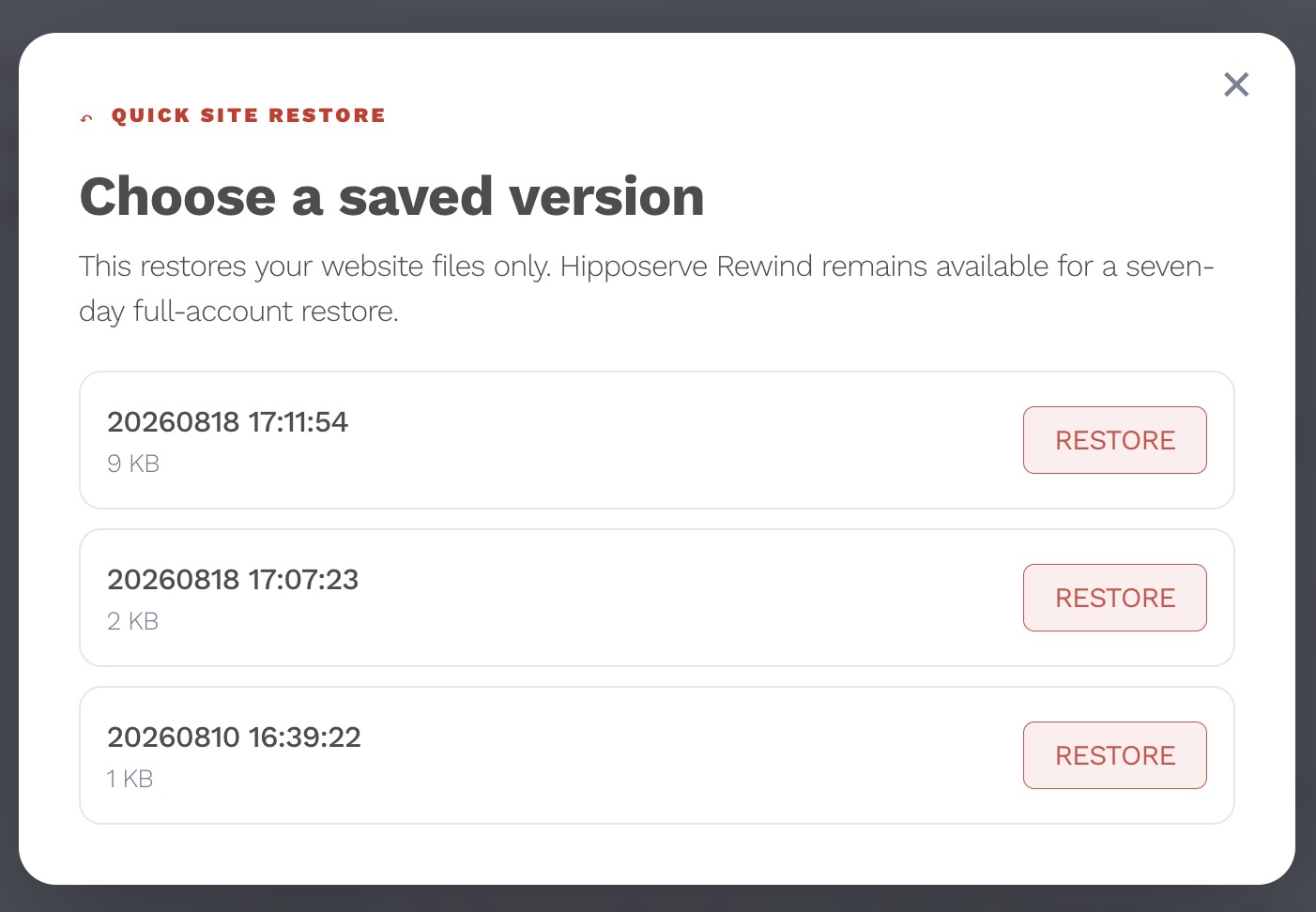
The ZIP Rollback page displays up to the five most recent ZIP uploads for your website.
Each entry represents a previous version of your website that can be restored.
Step 3: Restore Your Website
Simply click the version you wish to restore.
AI Ignite will automatically replace your current website with the selected ZIP version.
Important
Restoring a previous ZIP replaces all of the current website files with those contained in the selected ZIP archive. Any changes made after that ZIP was uploaded will be overwritten.
For this reason, we recommend checking that you've selected the correct restore point before continuing.
Restore Complete
Once the restoration has completed successfully, you'll be shown a confirmation message.
Your website will immediately begin serving the restored version.

If your domain uses your own DNS, any existing DNS settings remain unchanged. ZIP Rollback only replaces your website files; it does not alter your hosting configuration, domain settings or email services.