























































 How to Use the Hipposerve® Studio Facebook Video Widget
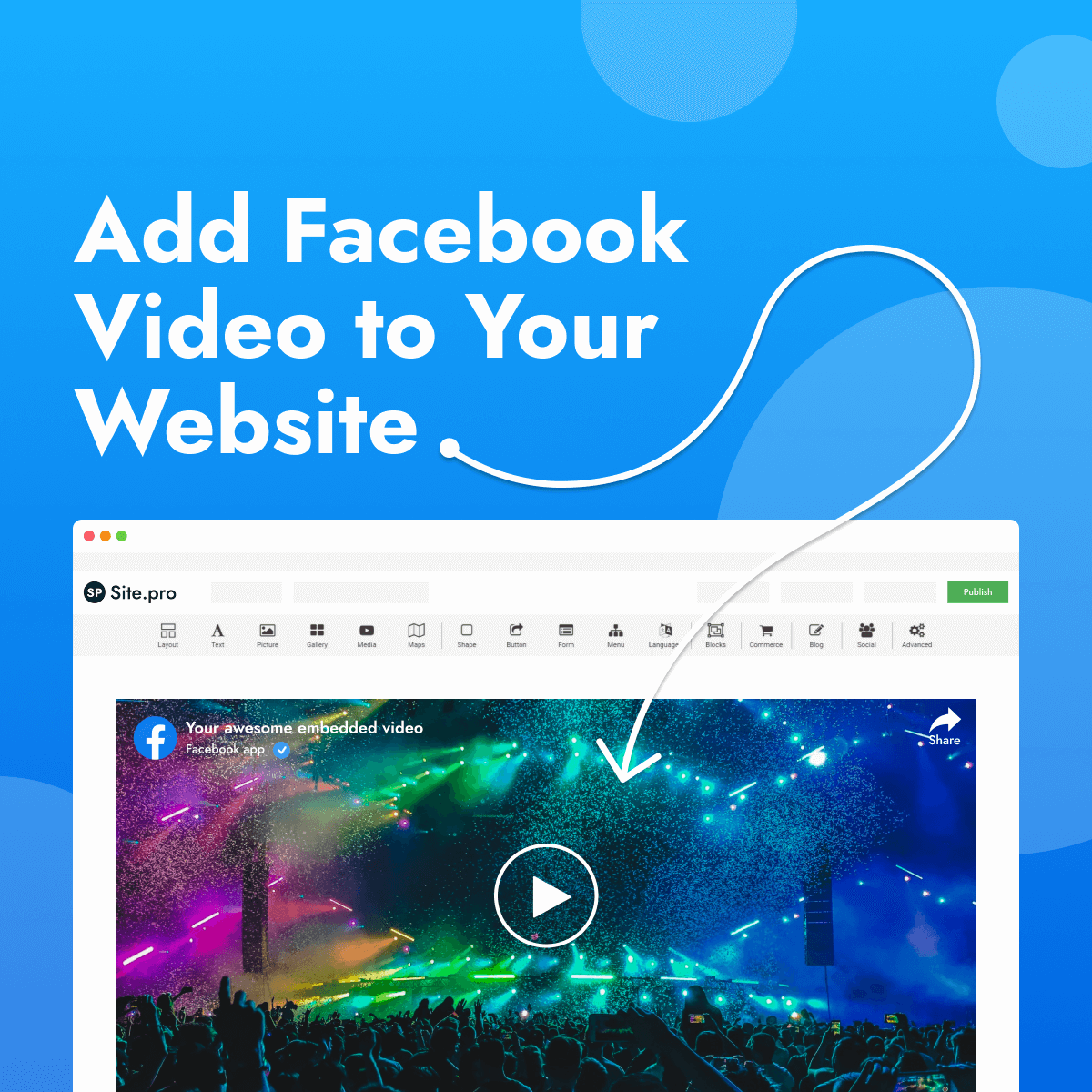
The Facebook widget allows you to embed Facebook videos directly onto your website. It's a great way to share live streams, product demonstrations, announcements and other video content from your Facebook page.
Facebook videos are streamed directly from Facebook, helping to keep your website fast while displaying your latest published content.
Adding a Facebook Video
Adding a Facebook video to your page is quick and easy.
- Drag and drop the Media widget onto your page.
- Select a Facebook composition.
- In the right-hand toolbar, enter the Facebook Post URL or ID.
Your Facebook video will automatically appear once a valid post URL or ID has been entered.
 Customising Your Video
The Facebook widget includes options to customise how your embedded video is displayed.
 Video Size
Adjust the size of the embedded video using the controls in the right-hand toolbar.
You can also enable Allow to adjust size automatically so the video automatically adapts to different screen sizes.
 Start Time
If you would like the video to begin from a specific point, simply enter the desired start time in the right-hand toolbar.
 Best Practices
- Use high-quality Facebook videos for the best viewing experience.
- Enable automatic sizing so videos display well on all devices.
- Embed publicly accessible Facebook posts to ensure visitors can view the content.
- Use the start time feature to highlight important moments in longer videos.
- Keep your Facebook content up to date to encourage repeat visits.