
























































Service Action: Rebooting a VPS Instance
In most cases your VPS will run continuously without interruption, but there are occasions where you may need to reboot it manually.
A reboot restarts your server, stopping and then starting the operating system again. This can help restore normal operation if something has stopped responding.
Common examples include:
- When a server becomes unresponsive or appears to hang, which can occasionally happen during development or when testing new software.
- After installing system updates that require a restart to fully apply changes.
- After configuration changes to system services or server settings that need a reboot to take effect.
- During troubleshooting when restarting the server can clear temporary issues and restore services.
Rebooting your server safely restarts the system and attempts to bring all services back online.
Quick Guide
To reboot your VPS:
- Open your VPS in the Hipposerve® Portal (see here).
- In Service Actions, click the Reboot icon.
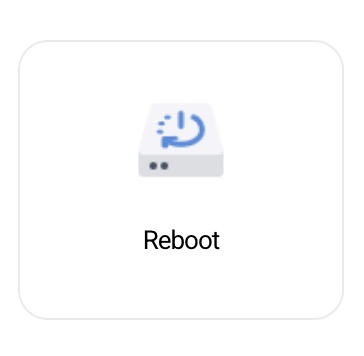
If the Reboot icon is greyed out, it means the action is currently unavailable or another operation may already be in progress.
Disclaimer: Hipposerve® is not responsible for any data loss, interrupted processes, or service disruption that may occur when rebooting a VPS instance. Always ensure that important tasks have completed and that your data has been saved before performing a reboot.