
























































Service Action: Stopping a VPS Instance
Most VPS servers run continuously, but there are situations where you may want to stop your VPS instance temporarily.
Common examples include:
- Before performing maintenance such as system updates or configuration changes where the server needs to be powered down safely.
- During troubleshooting when stopping the VPS allows you to isolate issues or perform checks before starting it again.
- When a server is no longer needed temporarily such as development or test environments that are only used occasionally.
- Before taking snapshots or making infrastructure changes where it may be recommended to power off the server to ensure data consistency.
Stopping your server safely powers it down so that all running services are halted.
Quick Guide
To stop your VPS:
- Open your VPS in the Hipposerve® Portal (see here).
- In Service Actions, click the Stop icon.
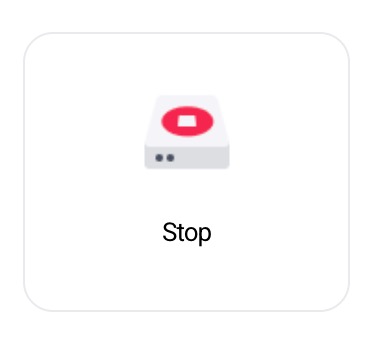
If the Stop icon is greyed out, it means your server is already stopped, so no action is required.
Disclaimer: Hipposerve® is not responsible for any data loss that may occur when stopping a VPS instance. Always ensure that important processes have completed and that your data has been saved before powering down your server.