
























































Accessing Your Hippo Panel
Your Hippo Panel is where you manage your website hosting. From here, you can upload files, manage SSL certificates, install and manage applications such as WordPress, access your backups, and use a range of advanced hosting tools.
Access Your Hosting Services
- Sign in to your Hippo Portal.
- Click the Services tile on the Hippo Portal home page.
Select Your Website
- Find the website or hosting service you want to manage.
- Click the Manage button next to it.

Open the Hippo Panel
- On the website management page, click Manage Your Website.
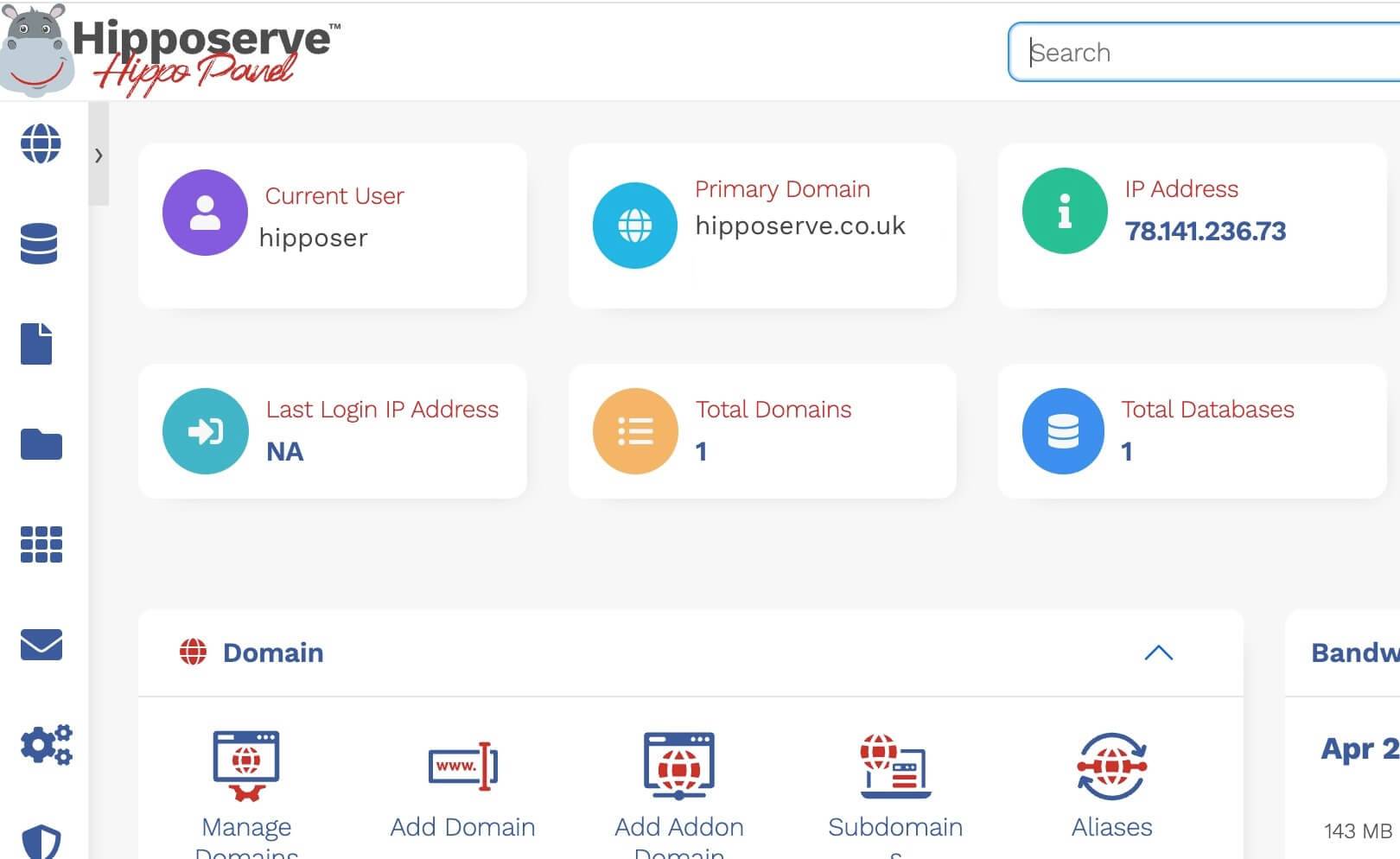
- Your Hippo Panel will open automatically.
Once the Hippo Panel has loaded, you can begin managing your website and hosting service.
If You Cannot Access the Hippo Panel
If our systems detect unusual activity or an insecure internet connection, access through the Hippo Portal may be temporarily restricted. Once you are using a secure connection, you should be able to access the panel normally.
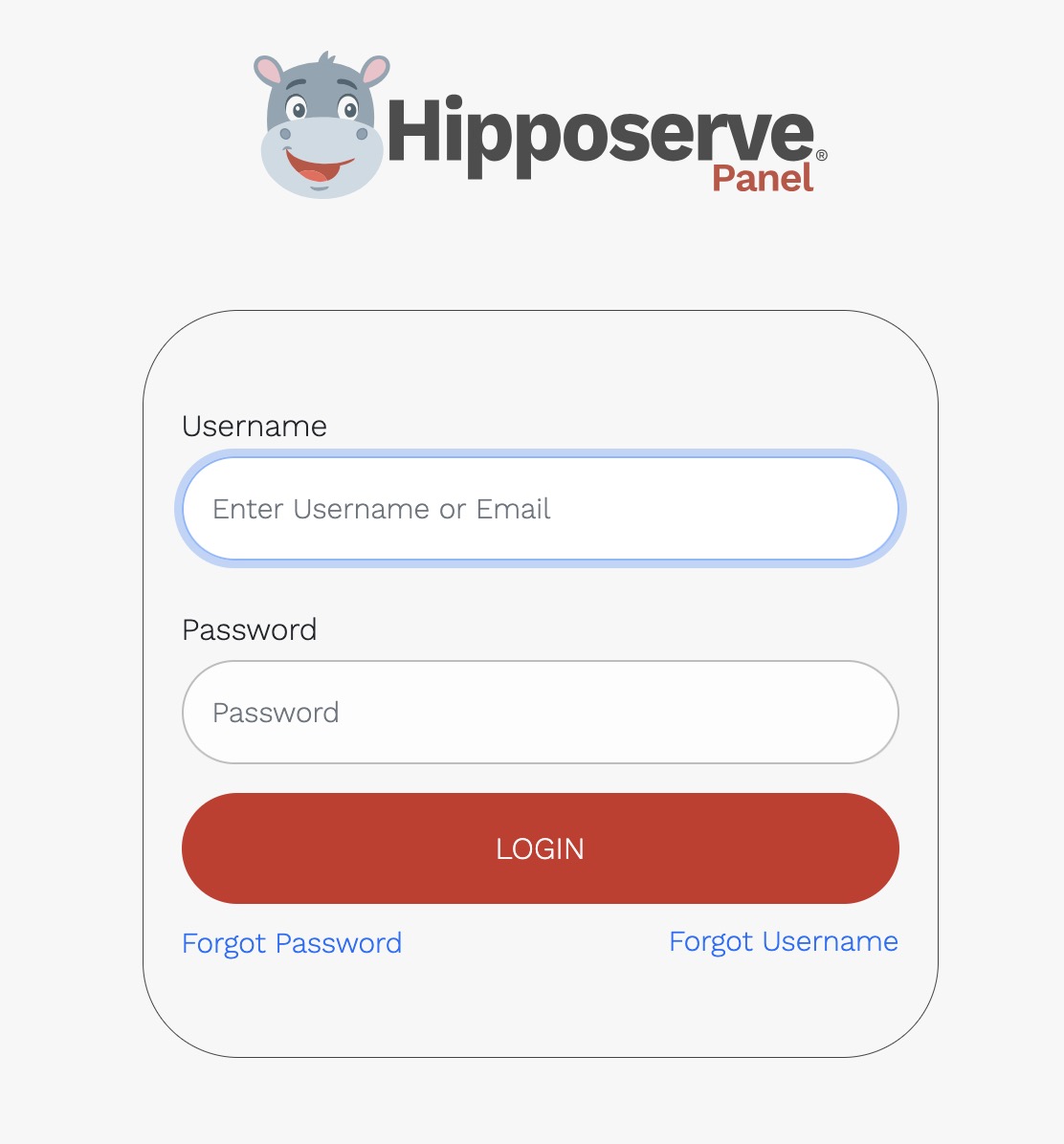
If you need immediate access, you can sign in to the Hippo Panel manually using your server address, username, and password.
Find Your Server Address
- Sign in to your Hippo Portal.
- Open the management page for your website or hosting service.
- Select the Hosting Information tab.

Your server name and hosting username are displayed in this section.

Your Hippo Panel address uses the following format:
https://your-server-name.hipposerve.net:2003
For example, if your server name is luna-lovegood.hipposerve.net, your Hippo Panel address will be:
https://luna-lovegood.hipposerve.net:2003
Sign In Manually
- Open your Hippo Panel address in a web browser.
- Enter your hosting username and password.
- Click the login button to continue.
Your hosting username and password were included in the welcome email sent when you purchased your website hosting.
If you cannot find your login details or continue to experience problems, please contact the Hipposerve support team.