























































Hyrje
Pasi paketa juaj e hostimit AI Ignite të jetë aktivizuar, mund ta menaxhoni faqen tuaj të internetit në çdo kohë përmes Hipposerve Portal. Këtu do të ngarkoni faqen tuaj, do të publikoni përditësime, do të menaxhoni hostimin dhe do të përdorni të gjitha funksionet e menaxhimit të AI Ignite.
Hapi 1: Hyni në Hipposerve Portal
Përpara se të menaxhoni hostimin tuaj AI Ignite, duhet të hyni në llogarinë tuaj në Hipposerve Portal.
Nëse nuk jeni të sigurt se si të hyni në portalin tuaj, ju lutemi ndiqni udhëzuesin tonë:
Hyrja në Hippo Portal
https://hipposerve.com/knowledgebase/4681/Accessing-Your-Hippo-Portal.html
Hapi 2: Hapni Shërbimet Tuaja
Pasi të keni hyrë, zgjidhni Services nga menuja kryesore e navigimit.
Kjo do të shfaqë të gjitha produktet dhe shërbimet e hostimit të lidhura me llogarinë tuaj Hipposerve.
Hapi 3: Zgjidhni Paketën Tuaj AI Ignite
Gjeni paketën AI Ignite që dëshironi të menaxhoni dhe klikoni mbi të.

Kjo do të hapë faqen e menaxhimit të paketës suaj të hostimit.
Hapi 4: Hapni AI Ignite Management
Në faqen e menaxhimit të shërbimit, klikoni AI Ignite Management.
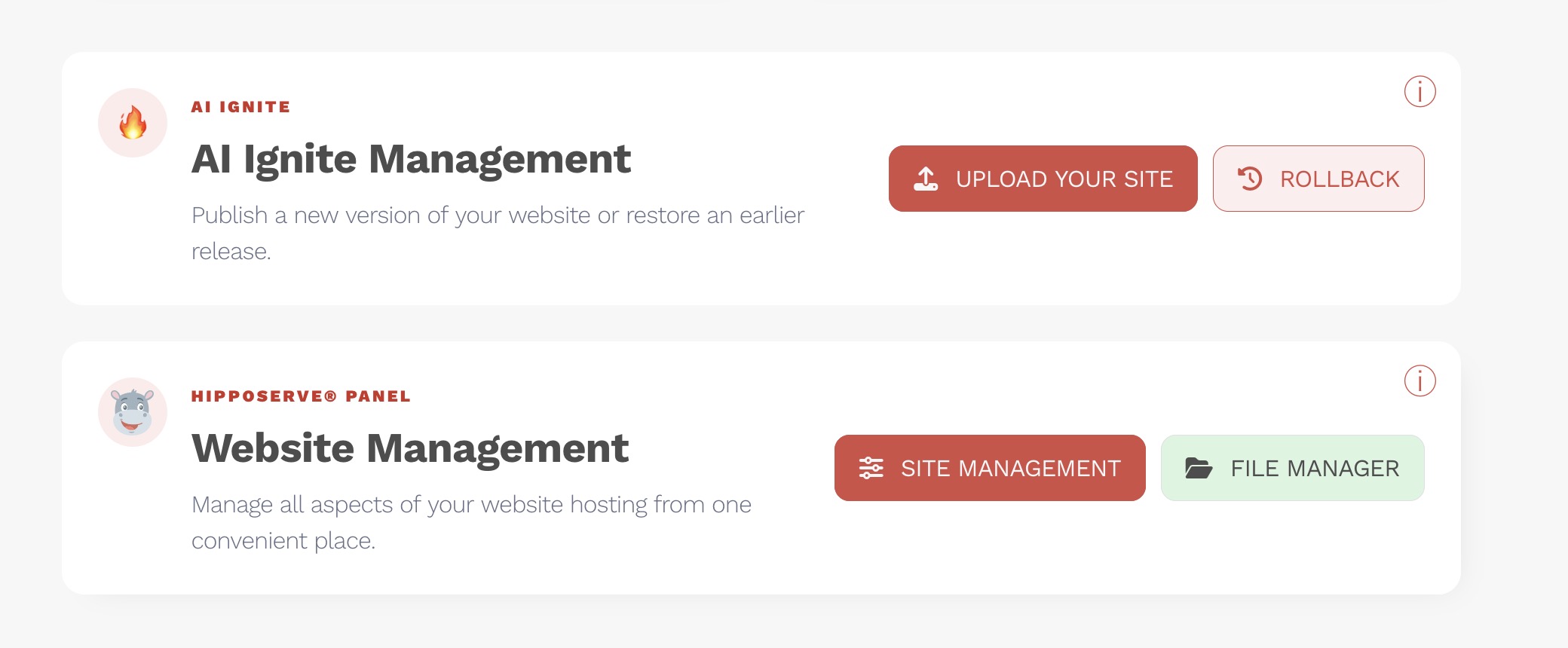
Nga këtu do të mund të përdorni të gjitha funksionet e menaxhimit të AI Ignite, duke përfshirë ngarkimin e faqes suaj të internetit, publikimin e përditësimeve dhe menaxhimin e hostimit tuaj AI Ignite.
Tani jeni gati të filloni menaxhimin e faqes suaj të internetit të krijuar me inteligjencë artificiale.