























































Service Management: App / OS Installation and Reinstallation
With your Hipposerve® VPS, you have the flexibility to configure your server exactly the way you want, using your preferred operating system and applications.
For your convenience, we provide a library of pre-prepared server images containing hundreds of the most popular operating systems and applications. These can be installed quickly and easily at the click of a button, allowing you to get started straight after provisioning.
This feature is useful in a number of situations, including:
- Deploying a new server quickly with a ready-made operating system or application image.
- Changing your server role if you decide to use the VPS for a different purpose, for example switching from a web server to a development environment.
- Rebuilding after testing or development where you want to return the server to a clean state.
- Recovering from major configuration issues if your current installation has become unstable, corrupted, or no longer meets your needs.
Installing a new operating system or application image gives you a fast way to redeploy your VPS without having to build everything manually from scratch.
Quick Guide
To install or reinstall an operating system or application image on your VPS:
- Open your VPS in the Hipposerve® Portal (see here).
- In Service Management, click the Application icon.
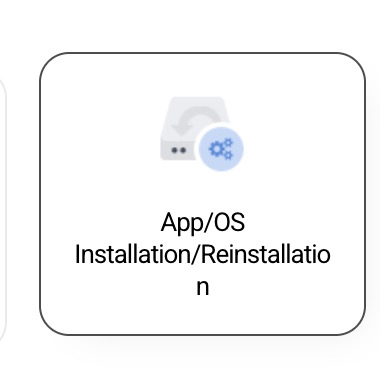
This will open the App / OS Library.
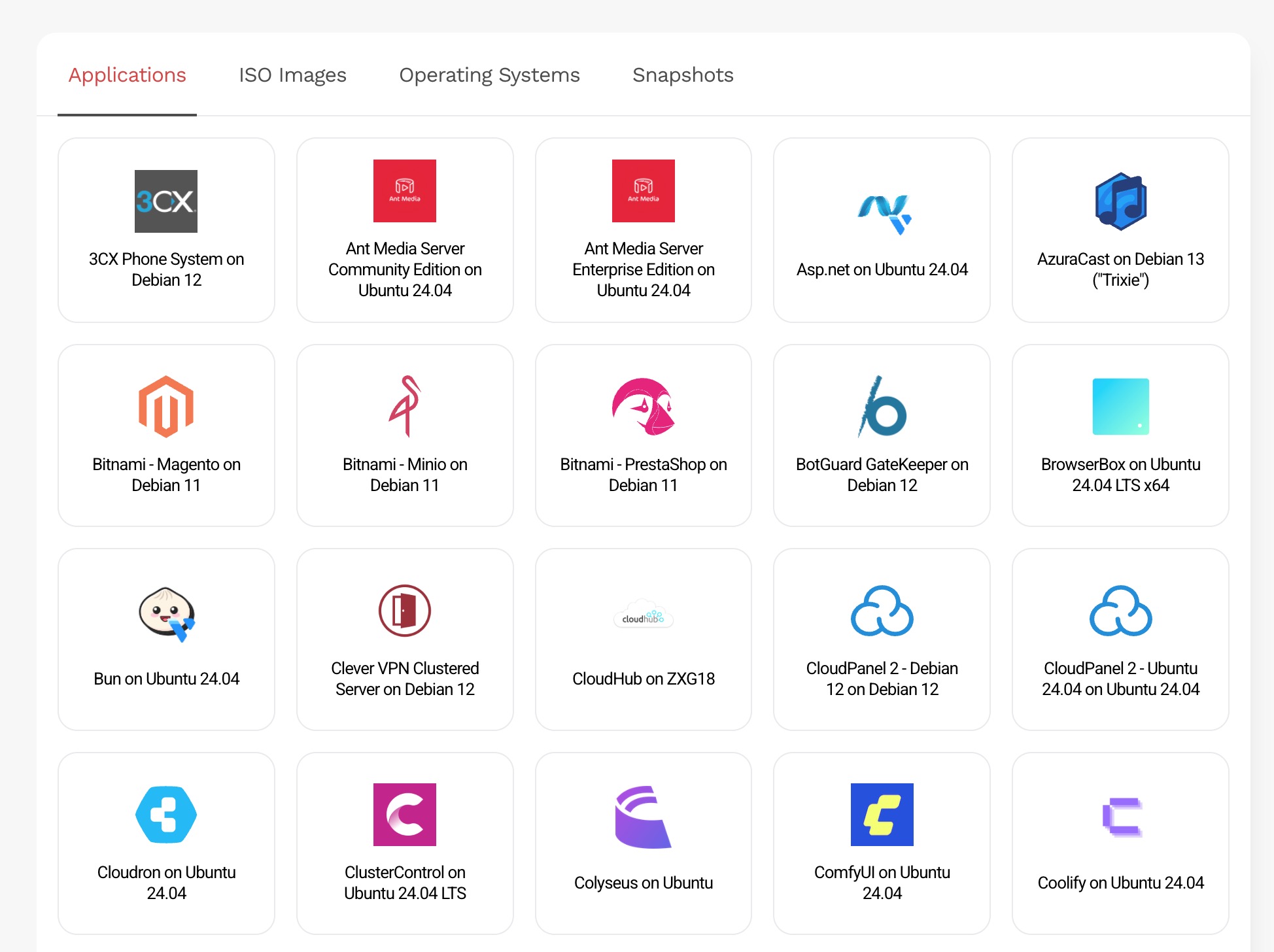
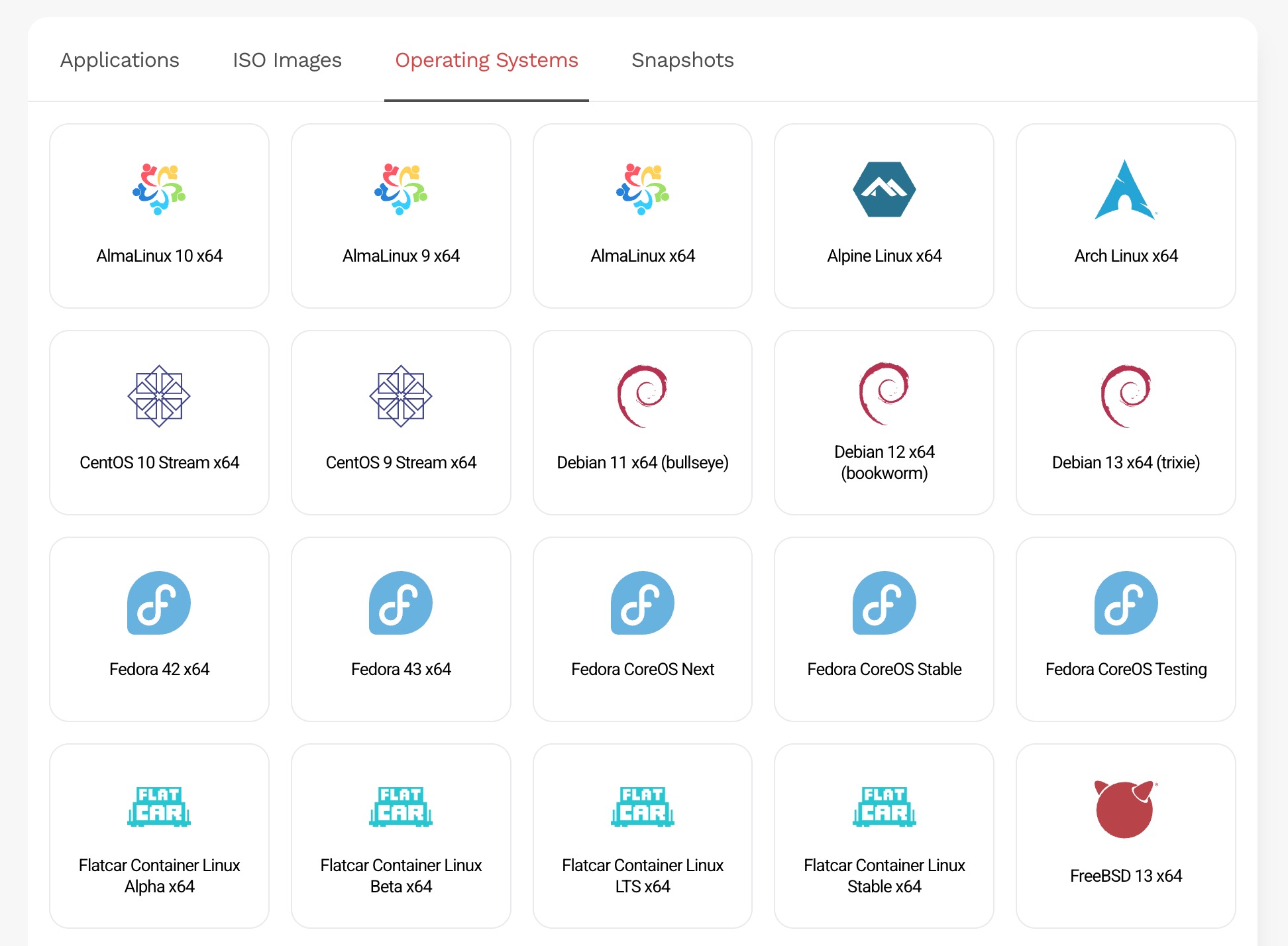
- Select the operating system or application image you wish to install.
- Confirm that you wish to begin the installation.
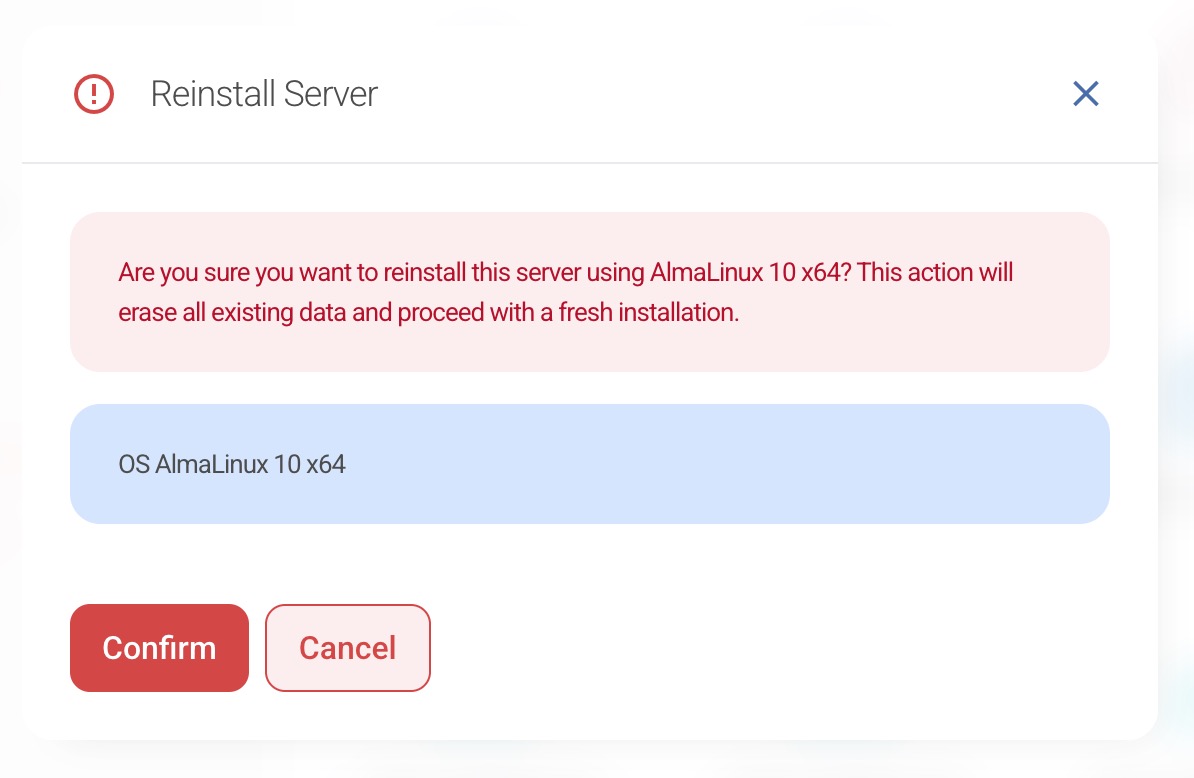
Your VPS will then begin the installation or reinstallation process using the selected image.
Important Disclaimer
Warning: Installing or reinstalling a new operating system or application image will completely erase all existing data on your VPS instance.
This includes files, databases, settings, installed software, and any other content currently stored on the server.
Hipposerve® accepts no responsibility for any data loss, service interruption, misconfiguration, or other issues arising from the installation or reinstallation of an operating system or application image. You must ensure that you have taken any required backups before proceeding.