
























































Service Management: Reverse DNS Configuration
Reverse DNS (rDNS) is the process of mapping an IP address back to a hostname. While normal DNS translates a domain name into an IP address, reverse DNS performs the opposite function by resolving an IP address to a domain name.
This can be useful for a number of reasons, including:
- Email server validation – Many mail servers check reverse DNS records to help verify the legitimacy of incoming mail and reduce spam.
- Server identification – Reverse DNS allows network services and administrators to easily identify the hostname associated with an IP address.
- Logging and diagnostics – Some services and monitoring tools display hostnames rather than IP addresses, making logs easier to read and interpret.
- Network reputation – Correctly configured reverse DNS can help improve the trustworthiness of your server when communicating with other systems.
Your Hipposerve® VPS allows you to configure reverse DNS records for your assigned IPv4 address and, if selected during the ordering process, your IPv6 address.
Accessing Reverse DNS Settings
- Open your VPS in the Hipposerve® Portal (see here).
- In Service Management, click the Reverse DNS icon.
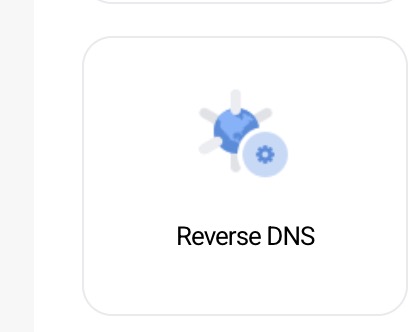
This will open the Reverse DNS management page where you can view and modify your current rDNS records.
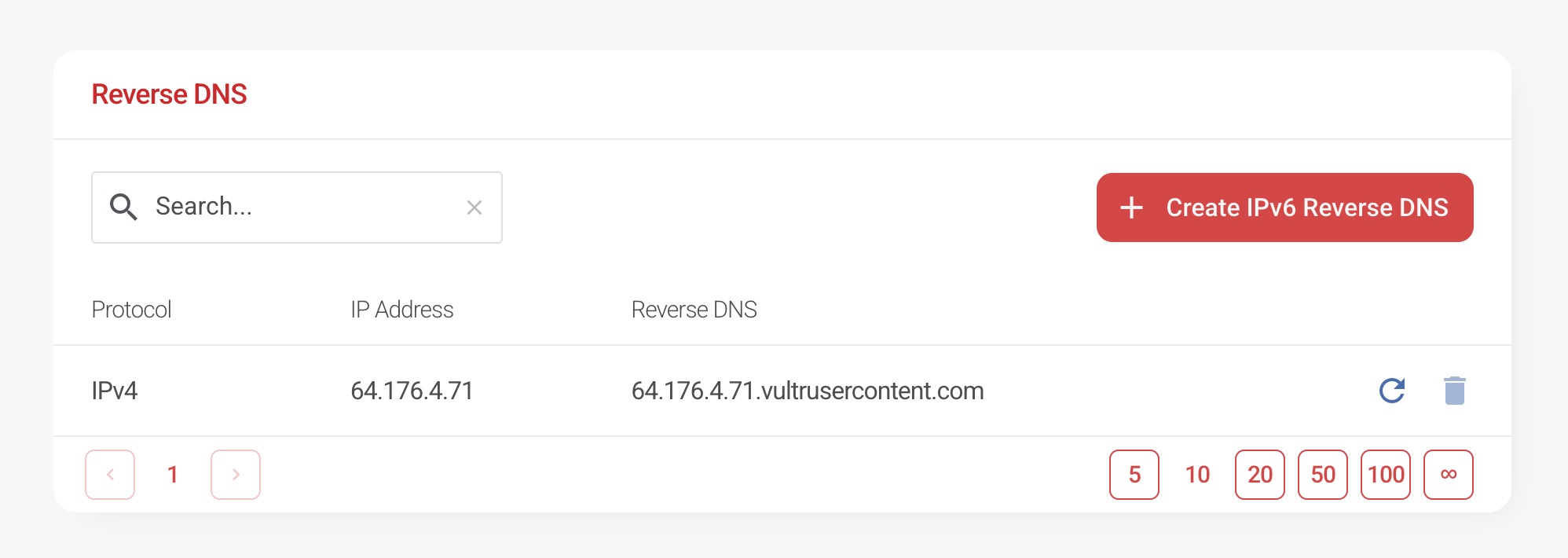
Updating IPv4 Reverse DNS
- Locate the IPv4 address you wish to configure.
- Click the Update icon.
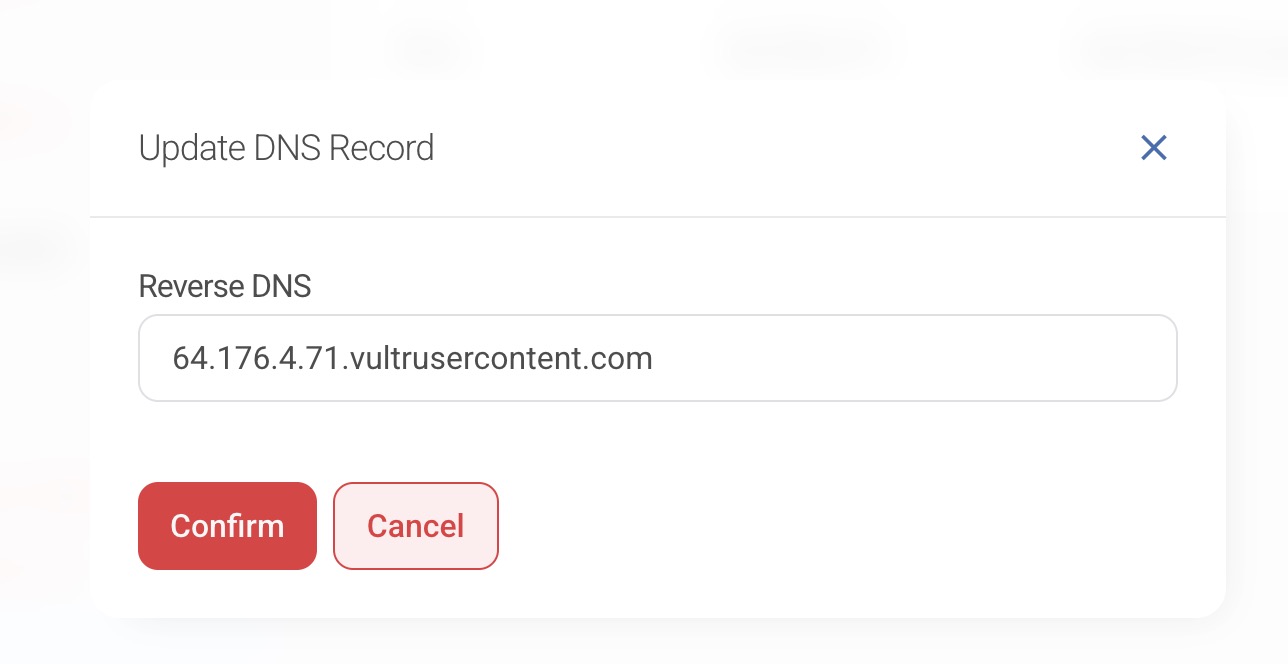
- Enter the hostname you wish to associate with the IP address.
- Confirm the update to apply the change.
The reverse DNS record will then be updated for your IPv4 address.
Creating IPv6 Reverse DNS
If your VPS includes IPv6 support, you can also configure reverse DNS for your IPv6 address.
- Click the Create IPv6 Reverse DNS button.

- The IPv6 reverse DNS configuration dialogue will appear.
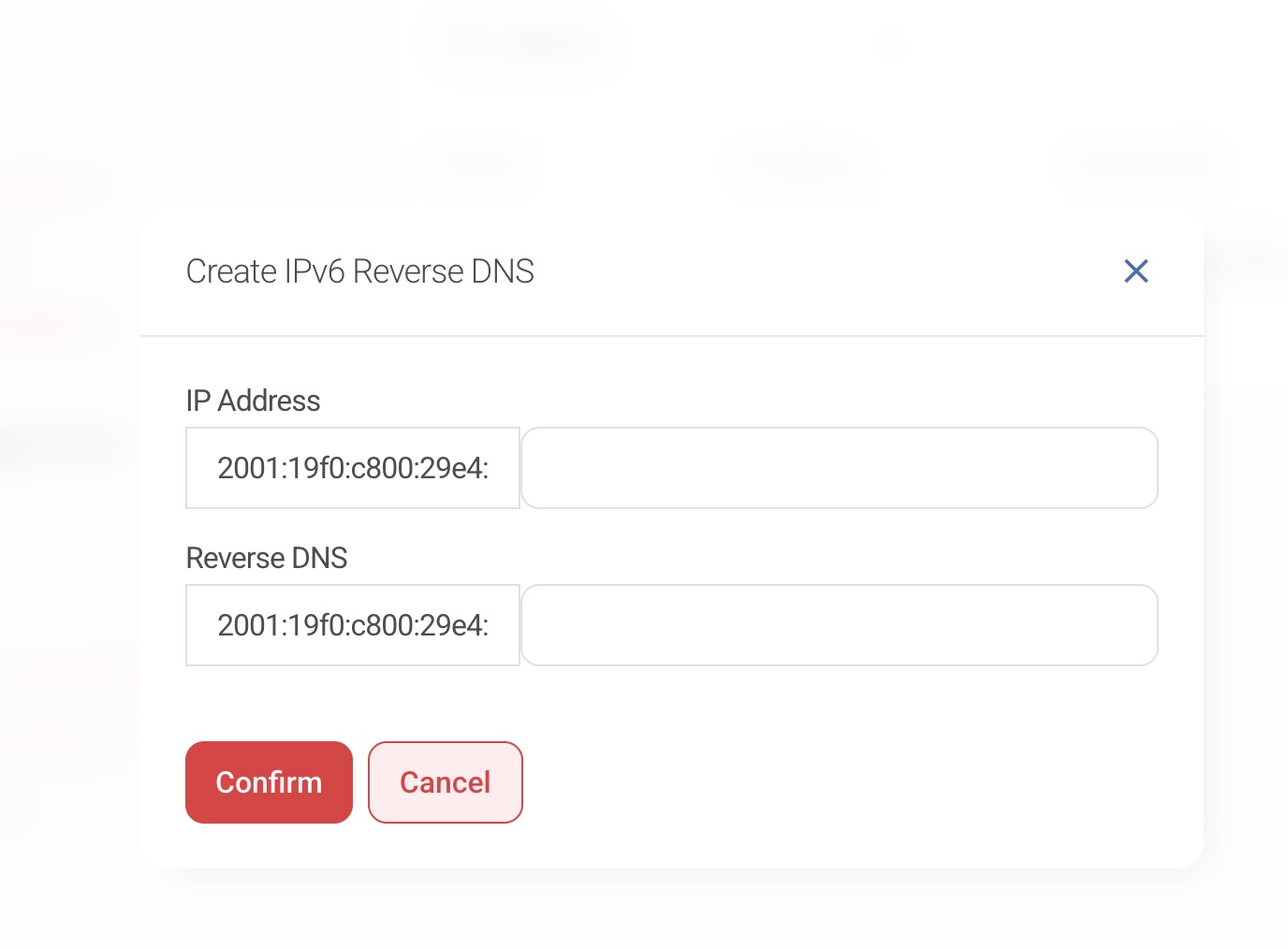
- Enter the hostname you wish to associate with the IPv6 address.
- Confirm the configuration to apply the record.
Important Notes
Disclaimer: Reverse DNS configuration should only be performed if you understand how DNS records function. Incorrect reverse DNS entries may cause issues with services such as email delivery or network authentication.
Hipposerve® provides the tools required to configure reverse DNS, but we do not manage or validate DNS configurations created by customers. It remains your responsibility to ensure that reverse DNS records match your forward DNS configuration where required.
Hipposerve® accepts no responsibility for service disruption, email delivery issues, or configuration errors resulting from incorrect reverse DNS settings.