























































Hyrje
Plani juaj Hipposerve VPS përfshin disa veçori për t’ju ndihmuar të menaxhoni serverin tuaj lehtësisht përmes Hippo Portal-it tuaj. Ky udhëzues mbulon këto veçori të menaxhimit. Ju lutemi vini re se veçoritë e disponueshme mund të ndryshojnë në varësi të planit tuaj.
Zgjidhni Shërbimin VPS ose Faqen e Internetit
- Hyni në Hippo Portal dhe shkoni te lidhja Shërbimet e Mia në menu.

- Zgjidhni shërbimin VPS që dëshironi të menaxhoni.
- Klikoni butonin Menaxho.
Kjo do të shfaqë një përmbledhje të planit tuaj aktual.
Mjetet e Menaxhimit
Këtu do të gjeni të gjitha veprimet e disponueshme të shërbimit, mjetet e menaxhimit dhe informacion rreth instalimit tuaj.
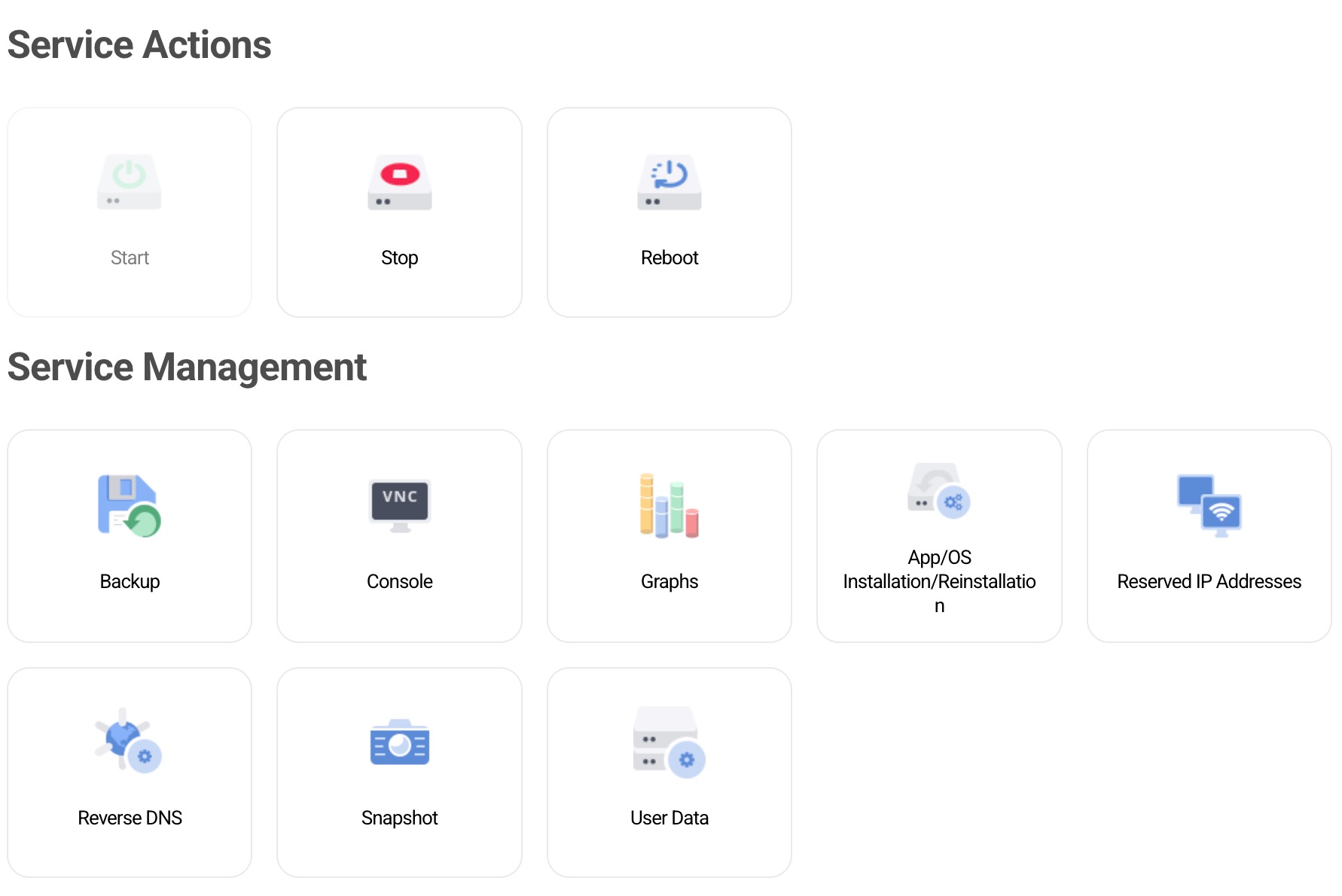
Veçoritë mund të ndryshojnë në varësi të planit tuaj VPS.